Why is my drone camera showing a black screen
A black screen on your drone camera usually means a failed ribbon cable, dead sensor, or firmware glitch. Here is how Houston pilots diagnose and fix it fast.
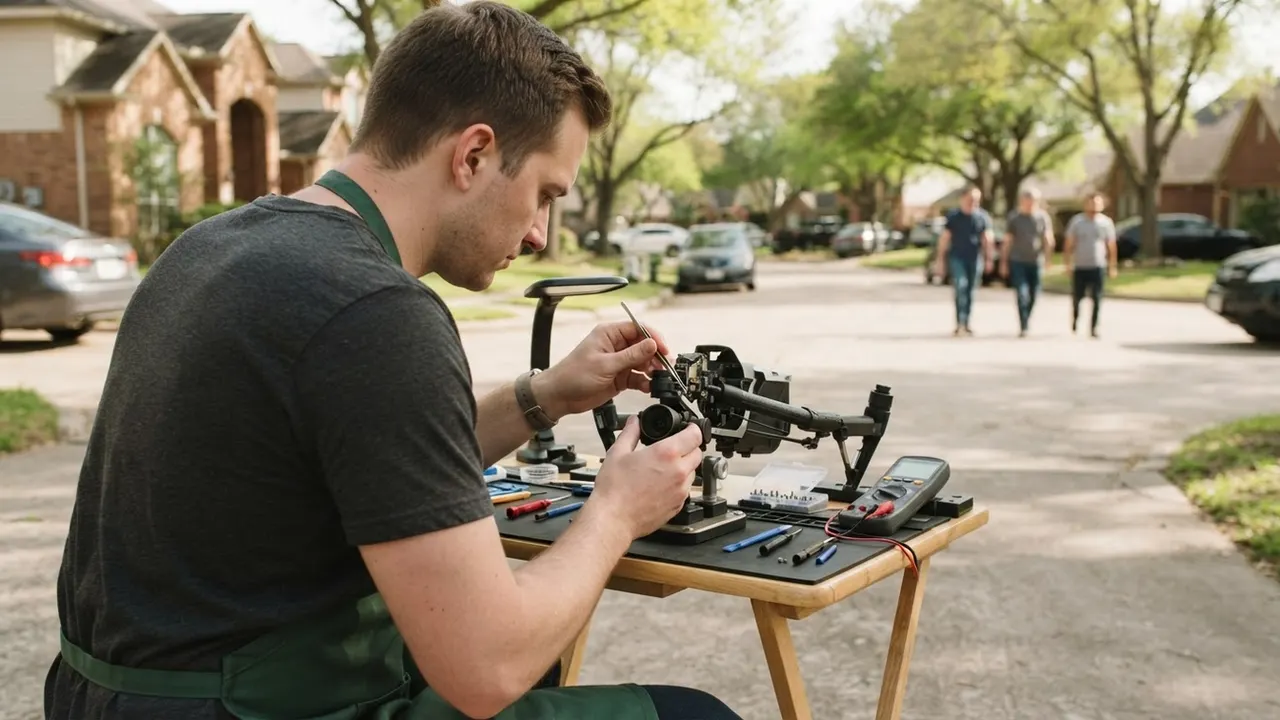
A drone camera showing a black screen is almost always caused by a broken gimbal ribbon cable, a failed image sensor, or a firmware mismatch - not by a dead battery. In Houston TX, where humidity and heat punish electronics year-round, we see this failure weekly on DJI Mavic, Autel EVO, and FPV builds. The good news: most black-screen cameras are repairable for far less than a new drone. This post walks you through the real causes, the checks you can do at home, what a repair costs in 2026, and when it is time to hand it to a shop.
Why is my drone camera showing a black screen in Houston TX?
Drone camera black screen Houston TX is a display failure where the app, controller, or goggles show a live-view feed that stays black even though the drone powers on and flies. The camera itself may be fine - the break is usually in the signal path between the sensor and the flight controller.
Houston adds its own variables. Summer ramp temperatures hit 95-100°F on the tarmac at places like Hobby and Ellington, and the inside of a parked car can exceed 140°F. That heat cooks the adhesive on gimbal ribbon cables and accelerates sensor degradation. Add 70-80% average humidity most of the year, and you get corrosion on camera connectors that no amount of rebooting will fix.
If your drone has been in a crash - even a light tip-over on the bayou trails or a hard landing on a Galveston beach - the ribbon cable is the first thing we inspect. It is the thinnest, most fragile part of the camera assembly, and it takes the hit before the sensor does.
The most common causes of a black screen
Across the bench at our shop, these five failures account for roughly 90% of the black-screen drones we see from Houston pilots.
1. Damaged gimbal ribbon cable
The ribbon cable carries video, power, and control signals from the camera to the mainboard. A crash, a hard landing, or even repeated gimbal movement over hundreds of flights can crack the internal traces. The camera still gets power - so the drone flies - but no image reaches the app. This is the single most common cause we diagnose.
2. Failed image sensor or camera module
Sensors die from heat, moisture, or impact. When the sensor fails, the camera may initialize and even record to the SD card, but live view stays black. We test this by swapping in a known-good camera module - if the feed returns, the sensor is the culprit.
3. Firmware mismatch or corrupted update
A failed firmware update - common when your phone drops Wi-Fi mid-download - can leave the camera and flight controller speaking different languages. The result is a black screen with no error message. Re-flashing the firmware usually restores the feed.
4. Loose or corroded camera connector
Houston humidity corrodes the tiny camera connector pins over time. A drone stored in a garage or shed through a Gulf Coast summer is a prime candidate. Reseating and cleaning the connector fixes it more often than people expect.
5. App or transmission setting error
Sometimes the hardware is fine and the app is the problem. A wrong video transmission channel, a corrupted app cache, or a mismatched controller firmware can all produce a black screen. This is the cheapest fix - and the first one we rule out.
How to fix drone camera black screen in Houston Texas
Before you box up the drone, run these checks in order. They take about 15 minutes and will tell you whether the problem is software or hardware.
- Power-cycle everything. Turn off the drone, controller, and app. Wait 30 seconds. Power the controller first, then the drone, then open the app. A surprising number of black screens clear on a clean boot sequence.
- Check the SD card and internal storage. A full or corrupted card can freeze the camera pipeline. Pull the card, format it in the drone, and test again.
- Update or re-flash firmware. Open the manufacturer app and check for a camera and flight-controller update. If you recently updated, re-flash the same version - a corrupted install is a common cause.
- Inspect the gimbal and ribbon cable. Look for a kink, tear, or exposed wire where the ribbon bends. If you see damage, stop here - that is a bench repair.
- Test with a different phone or tablet. If the feed works on another device, the problem is your app or phone, not the drone.
- Reset the camera settings. In the app, reset camera parameters to default. A wrong exposure or transmission setting can black out the feed.
If none of that brings the picture back, the issue is inside the camera assembly. That is where our Drone camera repair Houston TX team comes in - we test the ribbon, sensor, and mainboard separately so you are not paying to replace parts that still work.
One more thing Houston pilots ask about: heat. If your drone sat in a hot car or on a dashboard, let it cool to room temperature before you power it on. Powering up a heat-soaked camera can lock the sensor into a failed state that looks exactly like a dead module.
What to watch out for
Most black-screen drones that come to us after a DIY attempt have one of three avoidable problems. Avoid these and you will save yourself a bigger repair bill.
- Prying the gimbal apart. The ribbon cable is thinner than a human hair in places. A screwdriver slip turns a $120 cable replacement into a $300 camera assembly replacement.
- Using compressed air on the sensor. It pushes dust deeper into the module and can crack the IR filter. Use a bulb blower only.
- Ignoring water exposure. If your drone flew through rain or splashed in the bayou, do not power it on to "test." Water plus power equals corrosion. Bring it in for Drone water damage repair Houston TX first.
- Buying a cheap aftermarket camera. Third-party modules often ship with mismatched firmware. They may show a picture for a week, then black out again.
We also see pilots chase the wrong problem. A black screen is not the same as a blurry image, a gimbal that won't level, or a drone that won't take off. If your gimbal is twitching or stuck, that is a separate repair - our Drone gimbal repair Houston TX service handles the mechanical side, and the two often get fixed together.
When to call a professional
Call a professional the moment you see physical damage to the ribbon cable, smell burning, or find moisture inside the camera housing. Those are bench repairs, not driveway repairs.
You should also bring it in if the black screen persists after a firmware re-flash and a clean boot on a second device. At that point you have eliminated the software causes, and the fault is in the camera module, the connector, or the mainboard. Diagnosing which one requires a multimeter and a known-good test camera - tools most pilots do not keep on hand.
Our team at Houston Drone Repairs Pros runs a full diagnostic on every black-screen drone before we quote a repair. We test the ribbon, sensor, mainboard, and firmware in one pass, then tell you exactly what failed and what it costs to fix. No guesswork, no parts-cannon approach.
If you fly commercially - real estate, roof inspections, agriculture - a black screen is a revenue problem. We prioritize commercial drones so you are not grounded for a week. For pilots across the metro, our drone repair shop Houston TX handles everything from a single ribbon cable to a full camera assembly swap.
Frequently Asked Questions
Why is my drone camera showing a black screen in Houston TX?
The most common cause is a damaged gimbal ribbon cable, which breaks the video signal between the camera and the mainboard. Houston heat and humidity also corrode camera connectors and degrade sensors. Firmware mismatches and app errors cause roughly 15% of the black screens we see.
How to fix drone camera black screen in Houston Texas?
Start with a clean power cycle, then check the SD card and re-flash the firmware. If the feed is still black, inspect the gimbal ribbon for tears. Software fixes take 15-30 minutes; a ribbon or sensor replacement takes 1-2 hours at a repair bench.
Where to repair drone camera in Houston TX?
Bring it to a shop that specializes in drone cameras rather than a general electronics store. Houston Drone Repairs Pros services DJI, Autel, and FPV cameras with same-week turnaround. Most repairs are done in 2-4 business days, and we test the live feed before you pick it up.
How much does drone camera repair cost in Houston TX?
In 2026, a ribbon cable replacement runs $95-$150, a camera module swap runs $180-$350, and a full gimbal-and-camera assembly replacement runs $300-$500 depending on the model. Diagnostics are included when you approve the repair. Most pilots spend under $250.
Can I fix drone camera black screen myself in Houston TX?
You can fix software causes yourself - power cycling, re-flashing firmware, and resetting the app clear about 15% of cases. Hardware failures like a torn ribbon or dead sensor need a microscope and soldering station. Attempting those at home usually turns a $120 repair into a $350 one.
Get help with Drone repair in Houston
A black screen does not mean your drone is done. Most of the cameras we see are back in the air within a few days, often for less than the cost of a replacement battery. If you are tired of guessing, bring it to Drone repair Houston TX and we will tell you exactly what failed.
Call us at +1 281 555 4468 to schedule a diagnostic. We serve pilots across Houston, from Katy to Pasadena to The Woodlands.